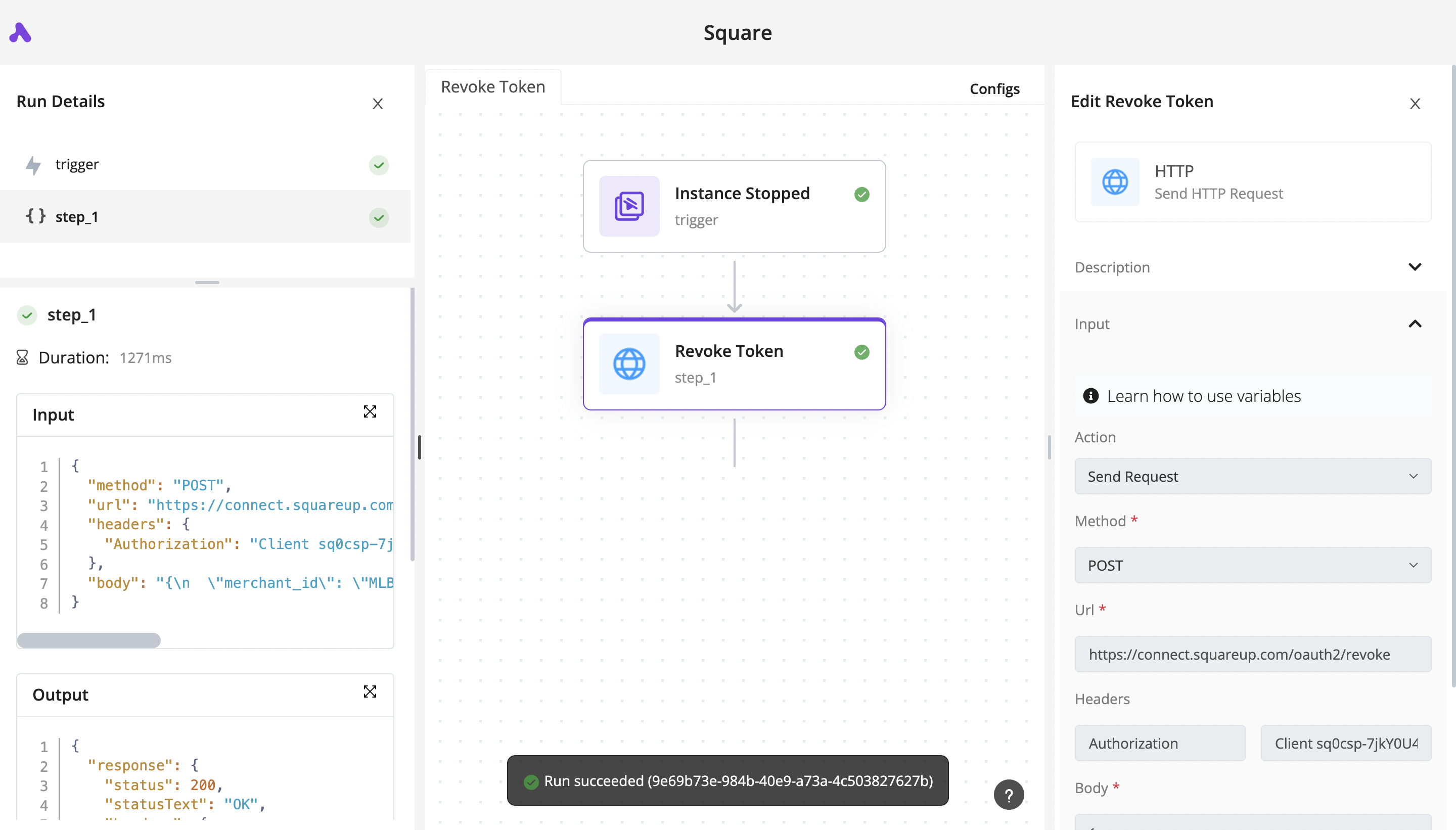
- Go to the Dashboard, click on Runs.
- Find the run that you’re looking for, and click on it.
- You will see the builder in a view-only mode, each step will show a ✅ or a ❌ to indicate its execution status.
- Click on any of these steps, you will see the input and output in the Run Details panel.